Bookdam
Read, capture, and revisit your favorite passages
Available on iOS, Android, and the web library at bookdam.com.
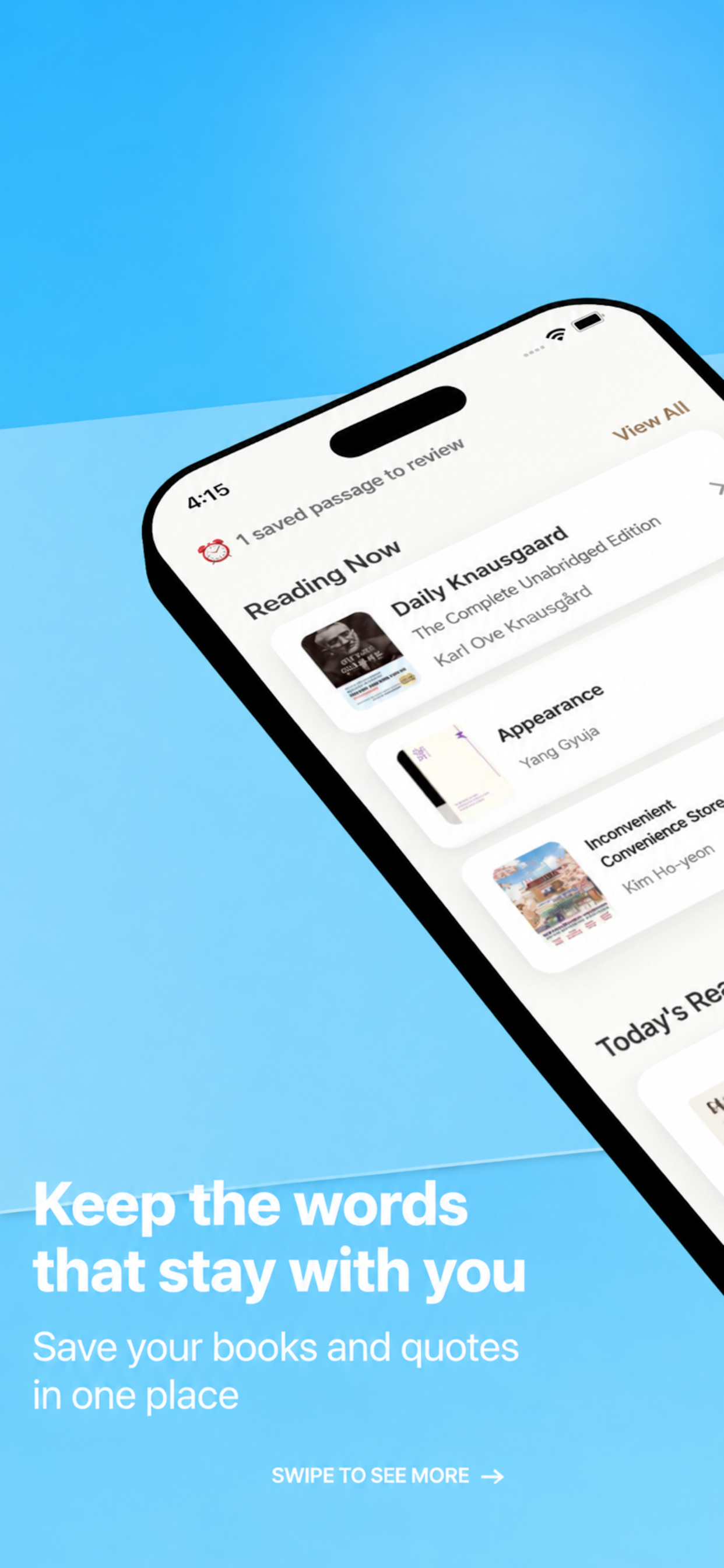
Bookdam is a reading journal for keeping books and the lines that stay with you.
It runs on iOS, Android, and the web, with photo OCR, reminders, sharing, and a monthly rewind.
How It Works
Capture with Photo
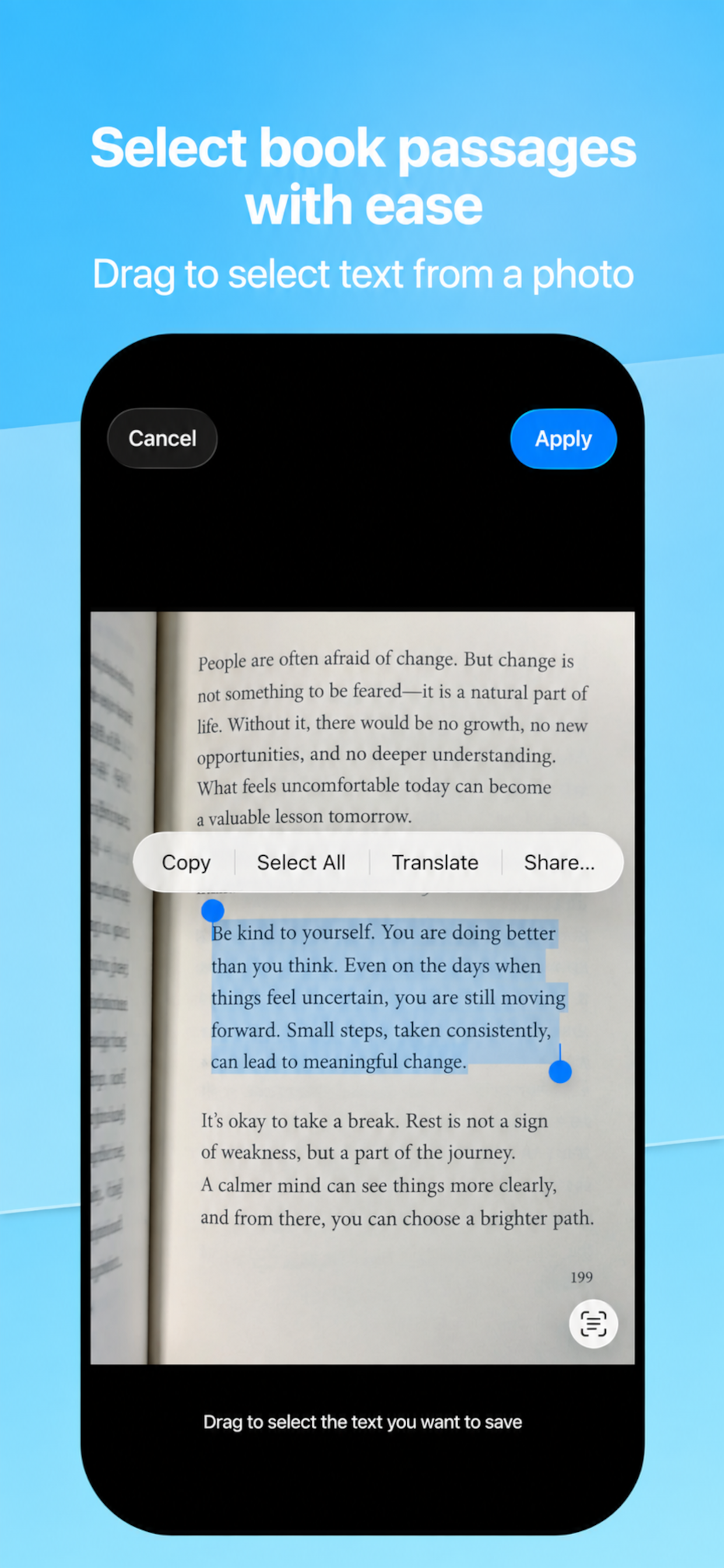
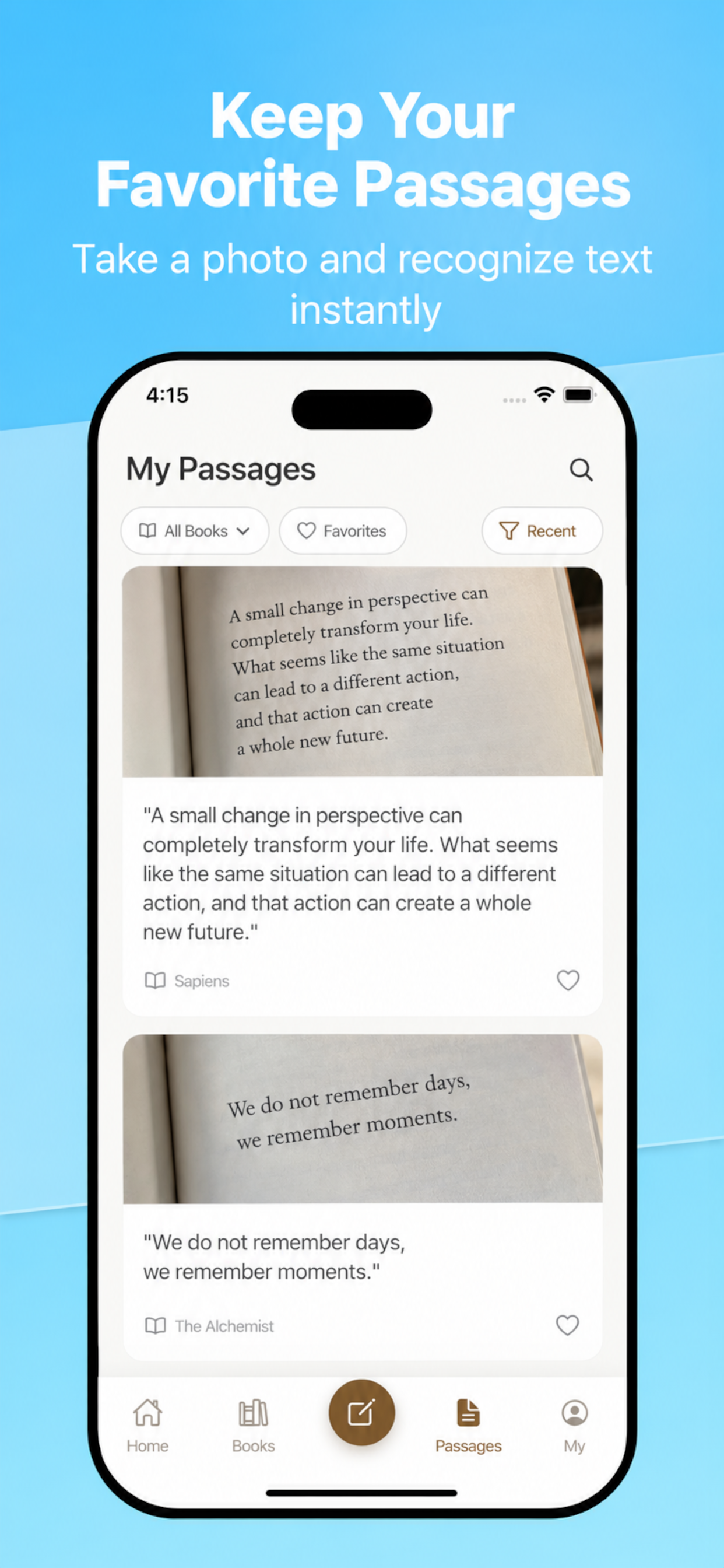
Take a photo of any passage or page that catches your eye.
Auto Text Extraction
Text is automatically extracted from your photos and saved alongside.
Reminder Notifications
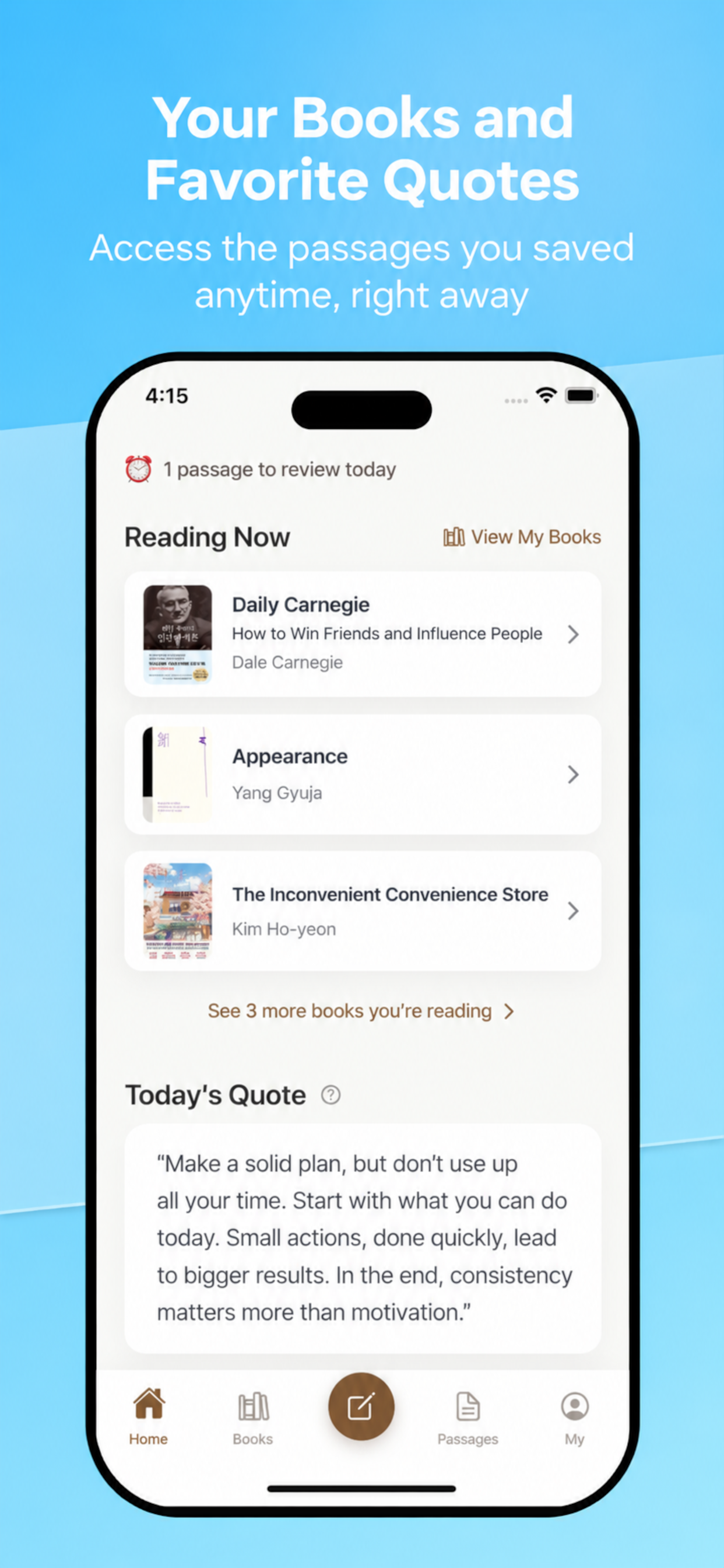
Get reminded of your saved passages based on your notification preferences.
Revisit on the web
Open bookdam.com to browse your shelf, quotes, and calendar on a bigger screen.
Key Features
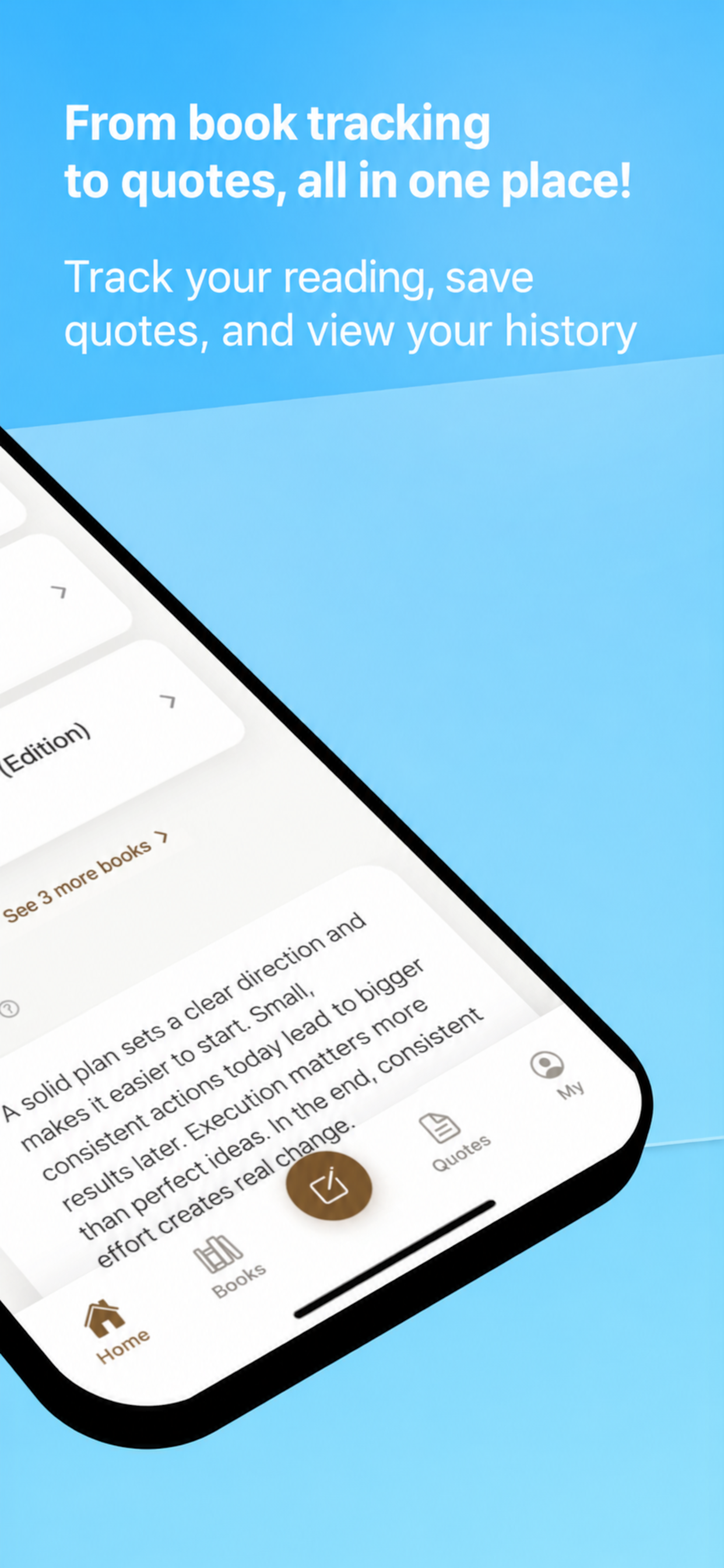
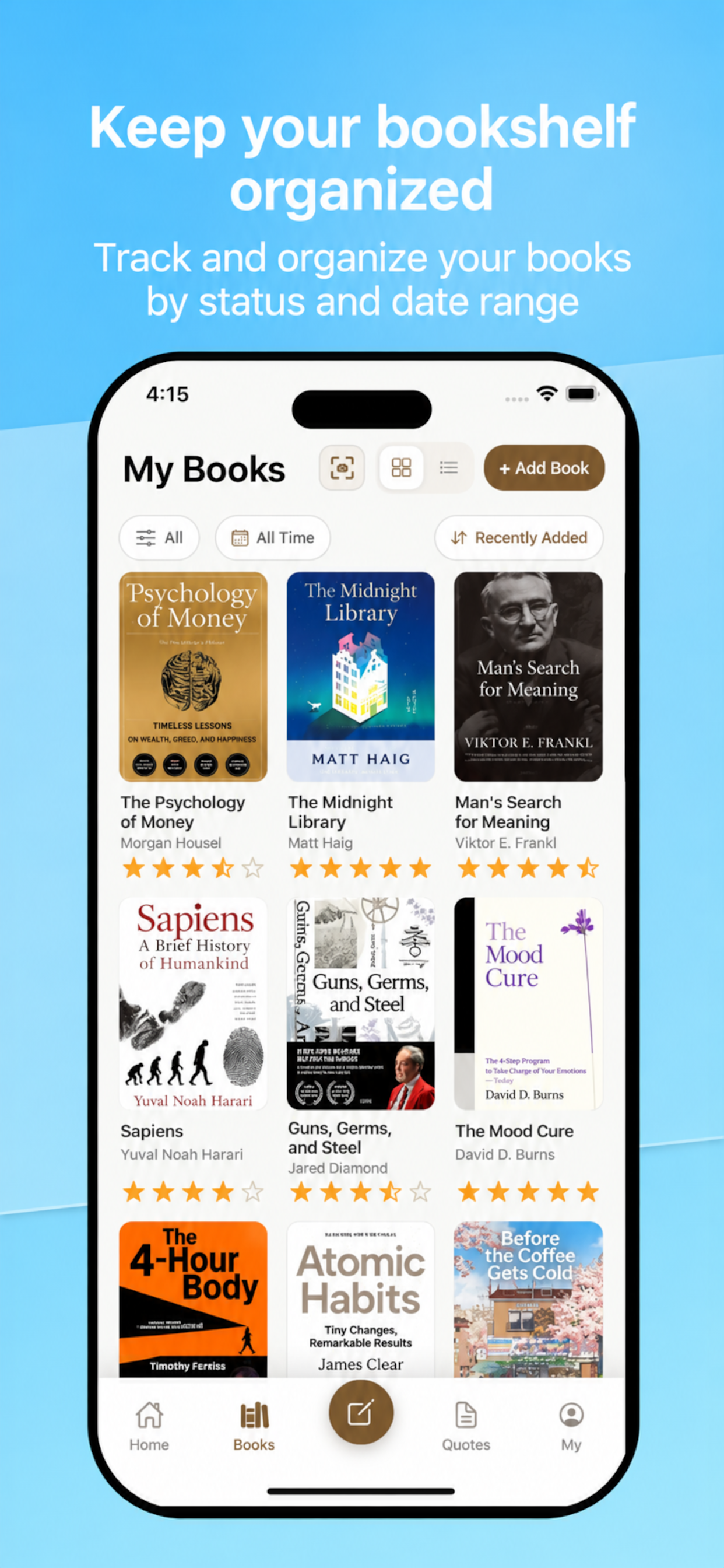
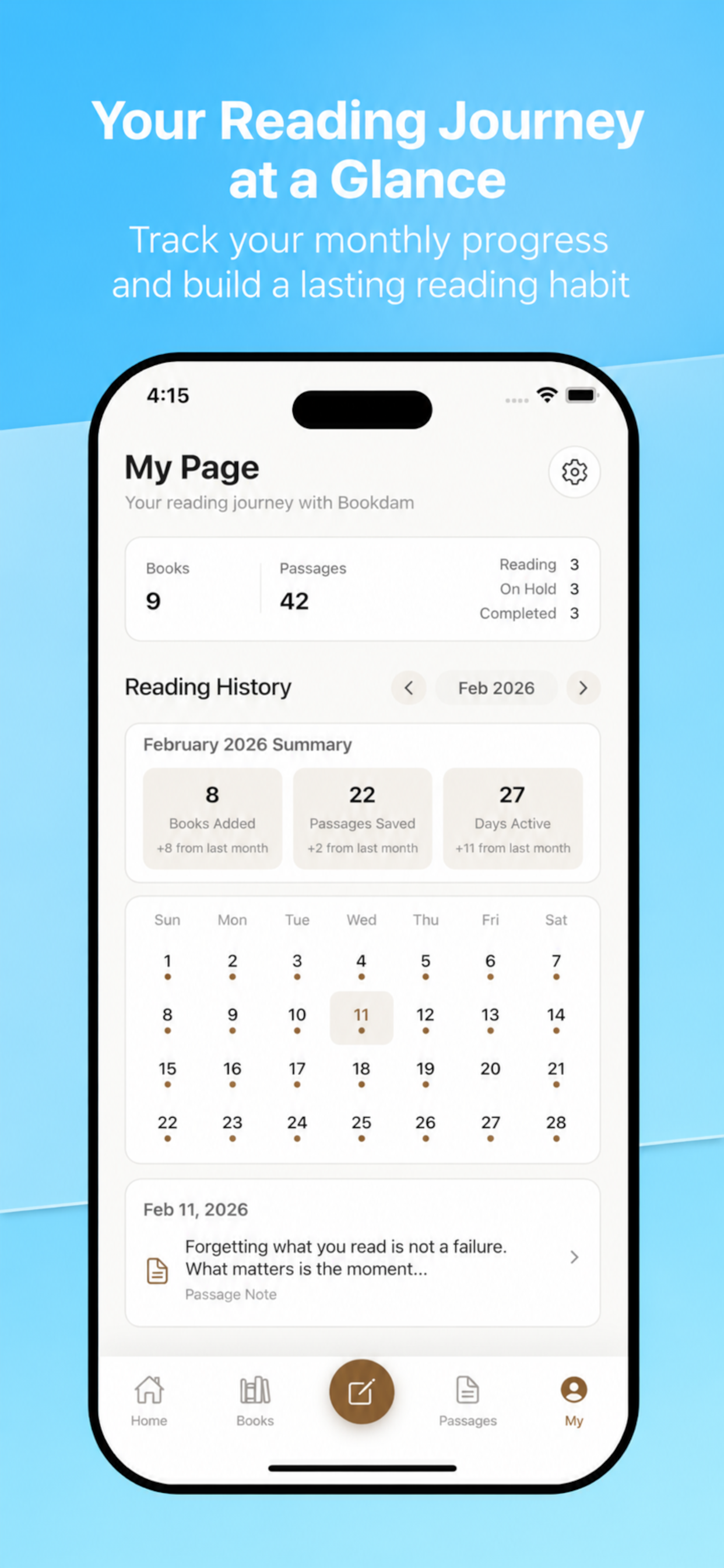
Reading Journal
Systematically record books you read and memorable quotes.
Photo Storage
Capture book pages as photos and keep the originals.
Extract text from photos
Automatically read the words in your photos and save them as text.
Reminders
Revisit your saved passages through customizable notifications.
Main Screen Remind
Your saved quotes naturally resurface every time you open the app.
Organize by Book
Neatly categorize your saved passages by book.
Web library
Browse your shelf, quotes, and calendar at bookdam.com.
Share quotes and books
Share a quote link or a card of the book you are reading.
Friends
Connect with people you read with and see their saved lines.
Monthly rewind
Look back at a month of books and quotes as a shareable card.
App Screenshots
Recommended for
Readers who want to save meaningful passages from books
Anyone who wants to revisit saved quotes without forgetting them
Those who want to manage their reading records systematically
People who want to keep book content as both photos and text
How Bookdam differs
Bookdam is not an e‑reader or a social “reading proof” feed — it focuses on turning passages into a personal, revisit‑able archive.
| Area | Bookdam | Common alternatives |
|---|---|---|
| Platforms | iOS, Android, and the web library at bookdam.com | Often mobile-only, or the web is a separate product |
| Capturing | Keeps both the page photo and the text extracted from it | Typing-only notes or bookmark-style links |
| Revisiting | Reminders and home surfacing for saved passages | Often relies on manual search and list hygiene |
| Primary goal | Personal reading archive organized by book | Community, reviews, and ratings-first platforms differ in intent |
| Paper books | Photo-first workflow fits offline reading | Many apps optimize for digital book ecosystems |
“Typical alternatives” describes common patterns, not an official representation of any named competitor.
FAQ
- Is Bookdam an e‑reader?
- No. It does not render ebooks for reading cover-to-cover. It helps you capture memorable passages as photos plus text, then revisit them with reminders.
- What if the text from the photo is wrong?
- Try again with better lighting and focus. Extracted text is assistive; the original photo is always kept.
- Does Bookdam use OCR?
- Yes. It reads the words in your photo and saves them as text — the same idea people call OCR. The original photo is kept as well.
- I cannot log in. What should I do?
- Check your network connection and restart the app. If the issue continues, contact us with your OS and app version.
- How can I delete my account?
- Go to Settings > Account > Delete Account in the app, or follow the guide on the web account deletion page.
- Can I browse my records on a computer?
- Yes. Sign in at bookdam.com with the same account to see the shelf, quotes, and calendar you saved in the app.
- I am not receiving reminder notifications.
- Please check both device notification permissions and in-app reminder settings. Battery saver mode may delay notifications.
Support
App Name: Bookdam
Contact Email: [email protected]
Contact Method / Response Time: Email inquiries are answered within 2-3 business days
Great passages shine brighter when you revisit them.
Start building your personal quote collection with Bookdam.
Developer: HOSOFT Co, Ltd